by Łukasz Jakóbiec
Kompot v1 is open source: a Python robot in a handful of processes
The 2024 version of Kompot, a Python robot on a Raspberry Pi that wakes on a Polish word, works out which child is talking and answers back, is now on GitHub under MIT. What it assumed, what was taken out, and how to build one.
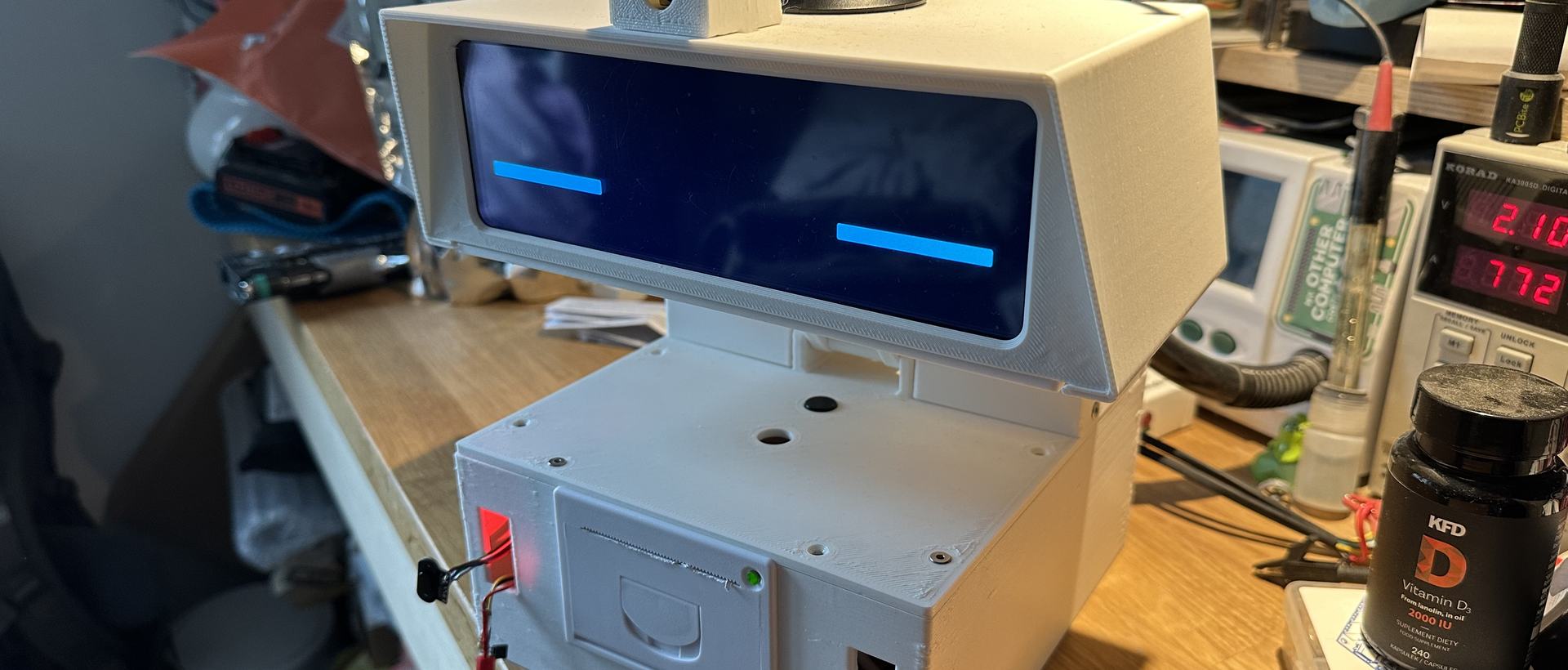
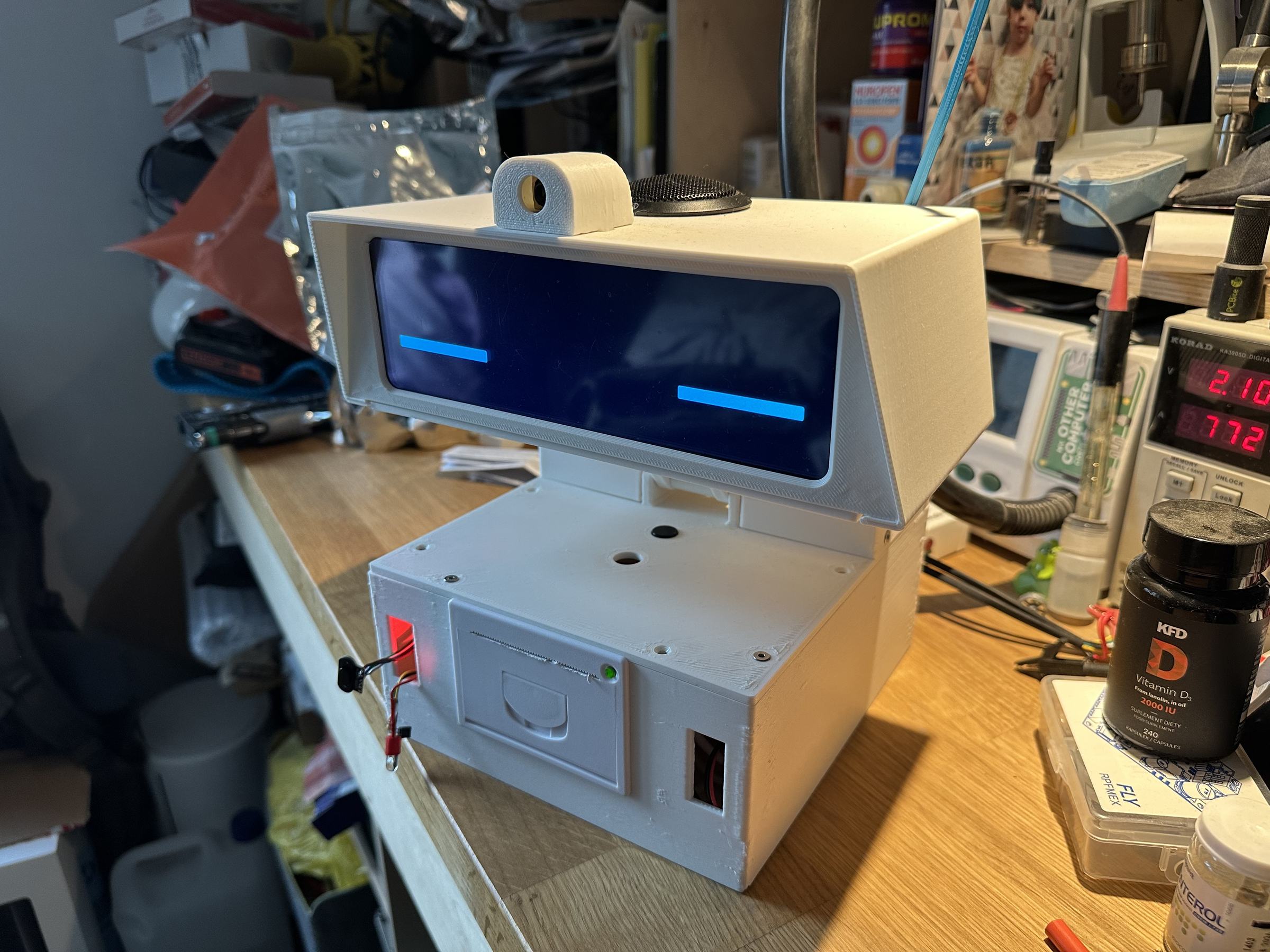
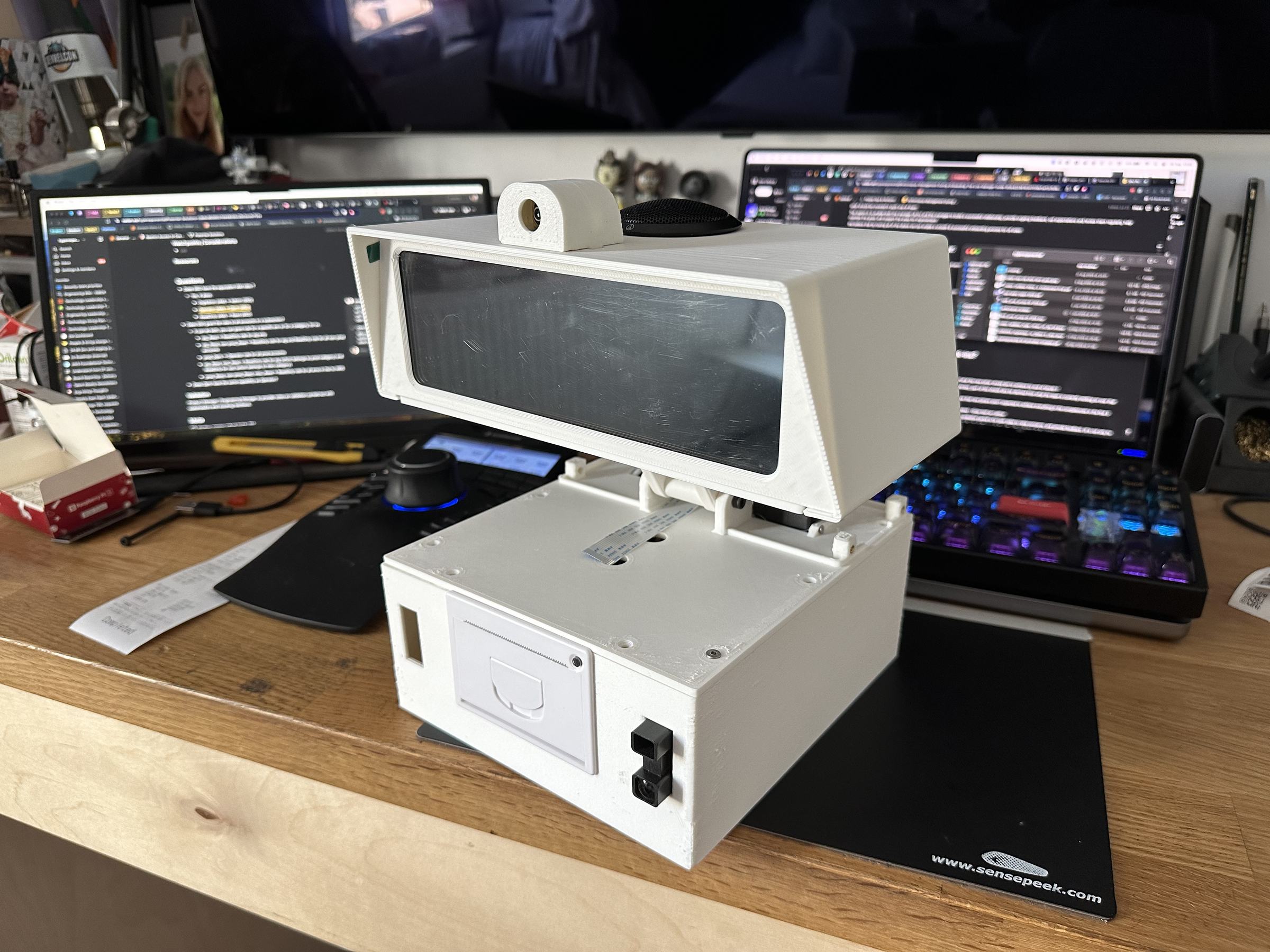
Kompot v1 is the robot in the photo below: a Raspberry Pi 5 in a printed body with a tilting head, a wide screen for a pair of eyes, an antenna that wiggles when it hears its name, a camera and a thermal printer. It ran on our kitchen table until the ROS 2 rewrite replaced it. It is a Python robot from end to end: every process on it is a Python script, and the whole thing is about 2,500 lines. The code is now public at github.com/jasques/kompot, MIT licensed, as it last ran on the robot, with the STL files and the Fusion 360 project for the printed body beside it.
What it assumed
Every design has a few assumptions it never questions. These were Kompot's.
- The cloud does the thinking. Only two things run on the robot: the wake word and telling voices apart, both through Picovoice. Transcription, the answer, the voice and the pictures are all OpenAI calls. A Pi 5 could have run a small model, but not while also drawing a face at 24 frames a second, and the children did not care where the answer came from. They cared that it came in a few seconds.
- It knows who is talking. Each recording is compared with the enrolled voice profiles and the question is prefixed with a name before it reaches the language model, so the answer can use it. A short clip from an unknown voice is dropped rather than answered.
- Polish, short, and for two particular children. The system prompt fixes a persona: a robot kindergarten teacher, answering in Polish in one or two sentences, longer for a story, and never steering towards subscriptions, likes or shopping. That last line was there from the first day.
- Motion is feedback. The head lifts when it wakes, tilts up while it thinks, the antenna wiggles on the wake word and hides when the conversation ends. Nothing on the screen says 'processing'; the body does.
- Processes, not threads. The face, the ears, the head, the camera and the printer are separate Python processes talking over a local MQTT broker with small JSON messages. If the face crashes the ears keep listening, and every part can be poked from the command line with a one-line publish.
- It remembers. At the end of a session the conversation is summarised per child into a JSON file, and that summary is the first thing the model sees next time.
How the Python robot is put together
Seven Python scripts and one broker. app.py is the loop: sleep with the eyes closed, wait for the wake word, wiggle, record until silence, identify the speaker, transcribe with Whisper, answer with gpt-4o-mini, speak with tts-1 streamed straight to the speaker, repeat until nobody says anything. interface.py is the pygame face, built from sprite sheets for blinking, looking left and sleeping. movement.py owns the LX-16A bus servo in the neck and the SG90 in the antenna. camera.py, printer.py and system.py each sit on their own topic and do one thing.
A few spoken phrases are matched with difflib and turned into actions rather than answers: take a photo, print it, look at what I am holding, draw me something, go to sleep, shut down, update yourself. The last one is a git pull and a supervisor restart, which is how the robot was upgraded for a year without ever plugging in a keyboard.
What was taken out before publishing
The repository is a fresh snapshot rather than the private history, and four kinds of things stayed behind.
- The wake-word models and the Polish acoustic model. They are tied to a Picovoice account and are not mine to redistribute. Training your own takes ten minutes in their console.
- The voice profiles. Those are voiceprints of my family. You enrol your own with one command.
- Our names. They were in the system prompt; they now come from a setting, with an example you fill in.
- Stock art and design sources. Only the sprites the face actually loads are in the repository.
The API keys were never in git. They get rotated anyway, because a key that has sat in a synced folder for a year is not a key to keep.
Building your own Python robot from it
The README has the full walk-through. The short version, on a fresh Raspberry Pi OS:
git clone https://github.com/jasques/kompot.git ~/kompot
cd ~/kompot
sudo apt install -y mosquitto supervisor libhidapi-dev portaudio19-dev \
    libsndfile1 python3-picamera2 liblirc-dev
bash install_deps.sh            # pyenv, Python 3.11.9, udev rules, services
pip install -r requirements.txt

# Picovoice: three Porcupine keywords into porcupine/,
# one Eagle profile per person into eagle/
eagle_demo_mic enroll --access_key "$PICOVOICE_API_KEY" \
    --output_profile_path eagle/anna.enroll

cp settings.example.py settings.py   # keys, file names, household
./run_script.sh movement.py &
./run_script.sh interface.py &
./run_script.sh app.py
You will need a Raspberry Pi 5, a 1280x400 HDMI display, a Camera Module 3, a LewanSoul LX-16A servo with its USB bus adapter, a PCA9685 board with an SG90, a USB microphone, a speaker and an ESC/POS thermal printer. The twelve STL files for the 3D-printed body are in the repository under 3d model files, together with the whole Fusion 360 project as kompot v1.f3z, so any part can be reshaped rather than only printed. The robots article has photographs of the assembled robot from every side.
What replaced it
The version on the table today is a different machine: ROS 2, a Hailo accelerator, a face drawn with signed distance fields instead of sprites, and a wake word it shares with everybody else, hey_marvin. That story is in Kompot: a robot that keeps eye contact, listens, and answers. Publishing v1 was partly a rehearsal. Once v3 answers to a wake word I can rebuild from scratch and knows the family by ear, it is the obvious next thing to put on GitHub. Until then, if you are after Python robots to learn from or to build on, v1 is small enough to read in an evening.
Contact me
Questions, ideas, or spotted a bug? Send me a note.